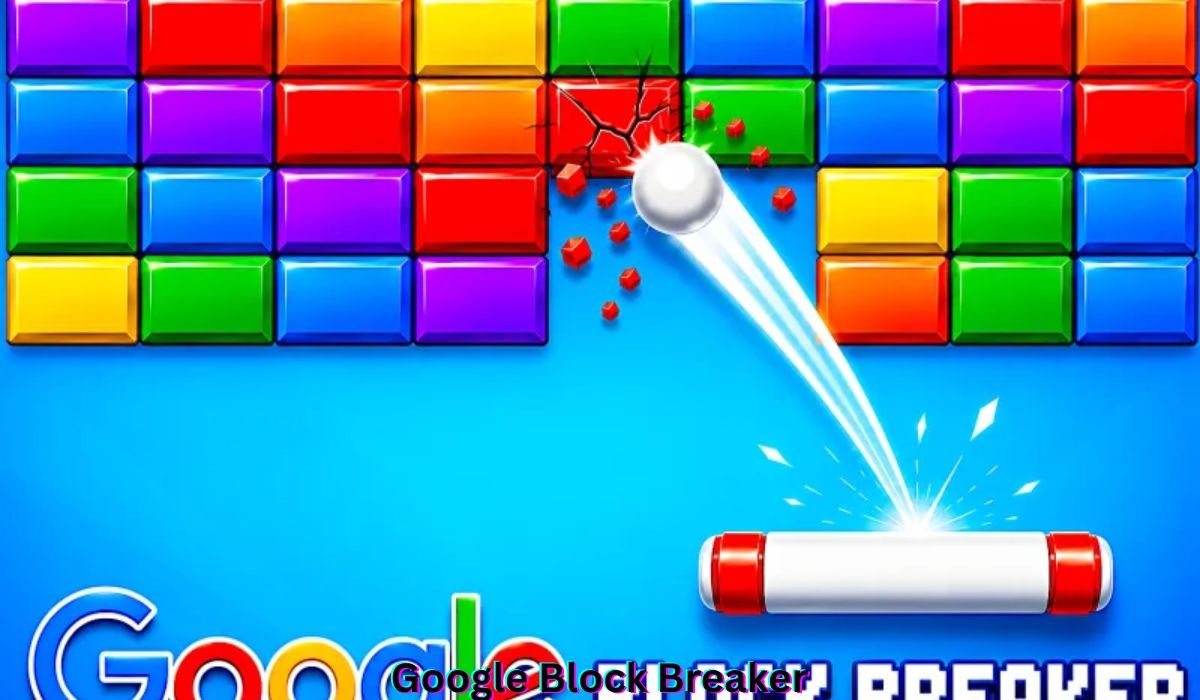
Some games ask for almost nothing, and Google Block Breaker is a perfect example. You open your browser, grab a paddle, and start smashing bricks. There are no menus, no heavy downloads, and no sign-ups. It is a classic arcade game rebuilt for the modern web, and it feels familiar.
Here, we will walk through why Google Block Breaker is so addictive, its best features, ways to play on every device, and pro tips for high scores. Whether you are a casual gamer or a retro gaming fan, you will find something genuinely useful here. Let’s dive right in together.
Why Google Block Breaker Is So Addictive
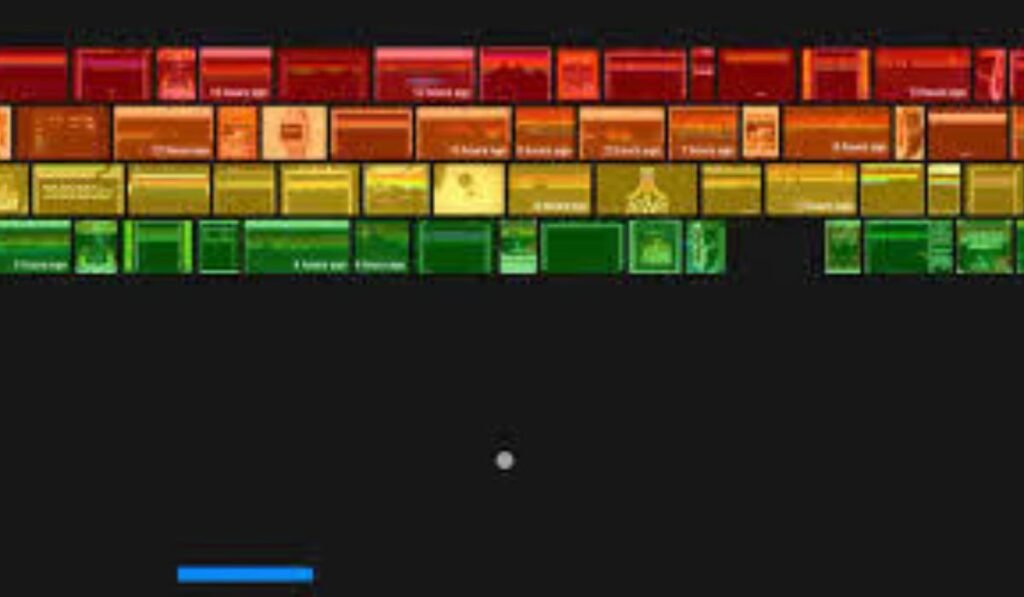
Block-breaking games have lasted for decades because the idea is simple: keep the ball alive, aim at the bricks, and clear levels. If you have tried Arkanoid, Brick Breaker, or DX Ball, the pull feels familiar.
The magic is in the rhythm. Once the ball speeds up, your reflexes kick in and your hand-eye coordination takes over. That is why “one quick round” often turns into thirty minutes.
- Simple mechanics with an easy learning curve
- Satisfying gameplay with every brick you smash
- Short gaming sessions that fit any break
- Nostalgic gaming appeal for all ages
Top Features That Make Google Block Breaker So Fun
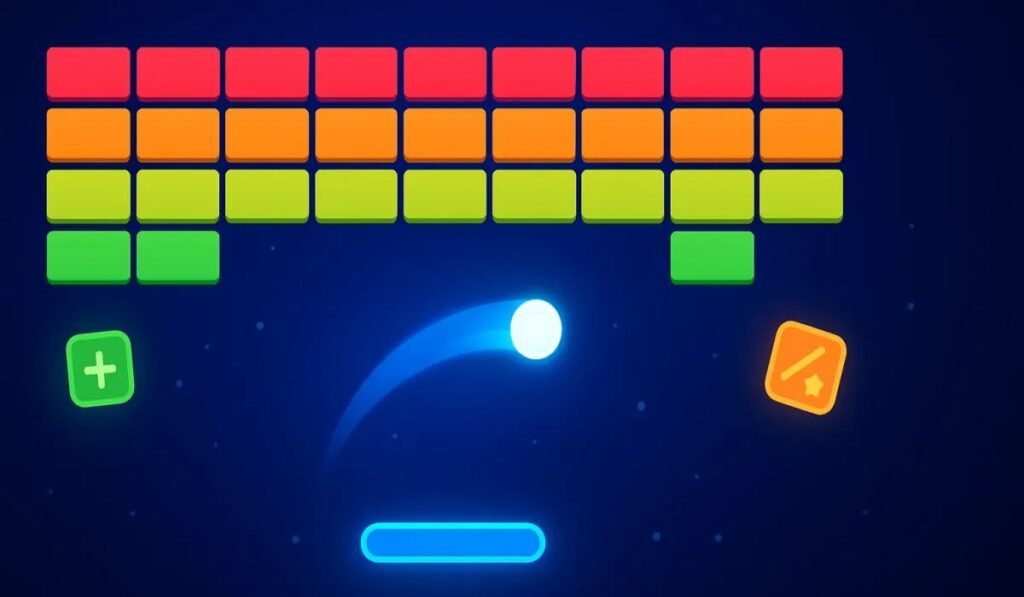
Even though it is a browser game, it packs enough variety to keep every round fresh. The features below show why people keep coming back.
Everything here is built around replayable gameplay. You get quick starts, smart brick layouts, and surprise rewards, all without paying a cent or installing anything.
- Instant play with no setup
- Responsive controls on any input
- Increasing difficulty across levels
- Power-ups that change the pace
| Feature | What It Means for You |
| Instant play | Start in seconds, no waiting |
| Responsive paddle | Better control precision |
| Brick layouts | Fresh challenges each level |
| Power-ups | Surprise boosts and bonus rewards |
| Free access | No account required |
1. Instant Play, Zero Setup
Just open your browser and type the game name. There are no downloads, no installation, and no heavy graphics slowing you down. It is perfect while you wait for an email or a meeting to start.
- Lightweight game that loads fast
- Runs on older computers and school laptops
- Works on many low-end mobile devices
2. Smooth, Responsive Controls
Whether you use arrow keys, a mouse, a trackpad, or swipes, the paddle reacts quickly. That matters when the ball suddenly speeds up. Older browser games often felt stiff, but this one feels clean and sharp.
- Smooth movements with no lag
- Great input responsiveness
- Works with keyboard controls and touch controls
3. Creative Brick Layouts and Difficulty Curves
No two rows feel the same. Some bricks need multiple hits, while others hide bonus rewards behind layered rows. As you progress, gaps shrink and angles matter more, so the game keeps you thinking.
- Tighter blocks in later levels
- Alternating colors for variety
- Tiny gaps that demand precision shots
4. Power-Ups That Shake Things Up
A glowing brick means a surprise is coming. You never know what drops, which keeps the tension high. These moments feel like a rush, especially when you are fighting to stay alive on a tough level.
- Extra life
- Paddle size boost
- Slow-motion ball
- Multi-ball mode
- Laser shots (some versions)
| Power-Up | Effect | Risk Level |
| Extra life | Gives another chance | Low |
| Paddle size boost | Wider paddle | Low |
| Slow ball | Easier tracking | Low |
| Multi-ball | More balls to track | Medium |
| Speed booster | Faster ball | High |
5. Free, Light, and Universally Accessible
It costs nothing, needs no downloads, and has no barriers. That is a big reason Google Block Breaker works as a quick distraction anywhere. It offers accessible gameplay that families and friends can enjoy.
- Free browser game
- Low system requirements
- Family-friendly entertainment
How to Access Google Block Breaker on Various Devices
Because it runs in a web browser, you can play it almost anywhere. A desktop browser, phone, tablet, or Chromebook will all work, so you can fit a round into any part of your day.
The steps differ slightly by device, but the idea is the same. Search for the game, tap play, and start bouncing. That cross-device compatibility is a huge part of its charm.
- Works on Windows, Mac, and Linux
- Supports iPhone, Android, and iPad
- Runs in Chrome, Safari, Firefox, and Edge
| Device | Best Control | Best For |
| Desktop | Arrow keys or mouse | Precision play |
| Mobile | Swipes | Quick breaks |
| Chromebook | Keyboard | School breaks |
| Tablet | Touch | Longer sessions |
SuiteCRM Drive Migrator Tutorial | Google Drive to OneDrive | OneDrive to Google Drive Migration
This heading comes from a related video that Outright Systems shared on the source page. It covers moving files between Google Drive and OneDrive with SuiteCRM, so it has nothing to do with gameplay.
You can safely skip it if you only want to play. Still, it is a handy watch if you manage cloud files for work.
- A separate walkthrough from Outright Systems
- Focuses on file migration, not gaming
- Optional viewing for office users
On Desktop (Windows, Mac, Linux)
Desktop is the smoothest way to play thanks to wider screens and precise controls. Open your browser, search for the game, and press play if an embedded playable game appears. Mini-game sites also host versions.
- Try Google Search first
- Use arrow keys, mouse, or trackpad
- Check online mini-game websites as a backup
On Mobile (iPhone or Android)
Mobile play feels natural because swiping is comfortable. Open your mobile browser, search for the game name, and tap a playable or hosted version. It is ideal for a waiting room or a commute.
- Swipe left and right
- Tap to launch the ball
- Use quick slides for high-speed rebounds
On Chromebooks
Chromebooks handle this game very well. They boot fast, run Google Search smoothly, and manage lightweight games without trouble. That makes them a great pick for school breaks and quick sessions between classes.
- Smooth even on older models
- Excellent keyboard controls
- Great for students
On Tablets (iPad / Android Tablet)
Tablets give you a bigger display and comfortable touch controls. You can move your hand across a wider surface, which gives the game a more arcade-like feel. They suit longer sessions better than phones.
- Larger screen for ball positioning
- Comfortable touch controls
- Good for relaxed play
How to Play Google Block Breaker Like a Pro: Strategies for High Scores
The game looks easy, but top players rely on precision timing and strategic planning. A few smart habits can raise your best score quickly, even if you are a beginner.
Think of it like a friendly coaching session. You do not need lightning reflexes, just good positioning and patience. The tips below cover the habits that matter most.
- Control your ball angles
- Protect your paddle position
- Stay calm during chaos
| Strategy | Main Benefit |
| Angle control | Reaches hidden corners |
| Ball above bricks | Clears rows fast |
| Selective power-ups | Keeps good positioning |
| Multi-ball focus | Protects your score multiplication |
| Constant movement | Better rebound control |
1. Learn How to Control Ball Angles
The ball’s angle depends on where it hits your paddle. Center paddle hits send it straight up, while edge paddle hits create sharper angles. Use this on purpose to reach tricky spots.
- Reach hidden corners
- Hit upper brick layers
- Break several bricks per bounce
2. Aim to Get the Ball “Stuck” Above the Bricks
This is the dream scenario. Once the ball bounces above the wall, it clears rows rapidly while you wait below. Aim for the sides early so the ball slips through a gap into the top section.
- Target side gaps first
- Let the ball do the work
- Stay ready underneath
3. Don’t Go After Every Power-Up
Chasing every drop is where beginners slip. If a power-up is far from your position, leave it. Losing good paddle positioning costs more than the bonus is worth.
- Safe to chase: paddle size boost, slow ball, extra life
- Be careful with speed boosters
- Be careful with multi-ball
4. Focus on Survival During Multi-Ball Mode
Multi-ball is fun but chaotic if you try to chase every ball. The rule is simple: save just one. As long as one ball stays alive, the round continues and your score keeps growing.
- Pick one ball and track it
- Ignore the others
- Stay calm
5. Study the Level Layout Before You Start
Take a moment before launching the ball. Spotting trouble early makes your first moves much smarter and helps you plan your level-clearing techniques.
- Harder bricks
- Bonus-dropping bricks
- Gaps and dangerous empty spaces
6. Always Move; Don’t Stand in the Center
Beginners tend to sit in the middle of the screen. Advanced players keep moving so they are ready for sudden direction changes. Continuous movement makes every rebound easier to reach.
- Catch rebounds more easily
- Adjust to surprise angles
- Respond to speed increases
7. Prioritize Predictable Movements
Wild swings make you lose control. Move smoothly instead of panicking, because steady paddle motion keeps you in the game longer. Predictable movements also make angle control far easier.
- Avoid sudden jerks
- Stay centered on the ball’s path
- Keep your pace even
Read Also This: BlueFlamePublishingBlog.com Review: Features, Purpose, and Key Details
Why Block Breaker Still Hits the Spot Today
With thousands of games out there, this small browser title still grabs attention. It does not try to impress anyone. It simply works, and that old-school gaming feel is refreshing.
There is no leaderboard pressure, no battle passes, and no pushy notifications. You get pure casual entertainment and a quick mental break that fits any schedule.
- Effortless: open and play
- Nostalgic: a retro arcade experience
- Universal: fun for kids and adults
- Satisfying: every brick feels good to smash
| Reason | Why It Works |
| Easy | Simple controls |
| Nostalgic | Classic arcade feel |
| Casual | No pressure |
| Challenging | Skill grows with practice |
Frequently Asked Questions
What is Google Block Breaker?
Google Block Breaker is a fun browser game where you break colorful blocks with a bouncing ball and paddle.
How can I play this block-breaking game?
You can enjoy Google Block Breaker by moving the paddle, bouncing the ball, and clearing blocks from the screen.
Is Google Block Breaker free to play?
Yes, Google Block Breaker is generally available to play online without paying, depending on the website hosting the game.
Can I play this game on my mobile phone?
Yes, Google Block Breaker may work on mobile browsers, allowing you to move the paddle using touch controls.
How do I control the paddle in the game?
In Google Block Breaker, use your keyboard or touch controls to move the paddle and keep the ball bouncing.
What makes this block-breaking game so addictive?
Google Block Breaker keeps players entertained with simple controls, colorful blocks, quick rounds, and the challenge of beating high scores.
Can I play Google Block Breaker without downloading anything?
You can play Google Block Breaker in a supported browser when an online version is available, without installing extra software.
Final Thoughts
Google Block Breaker proves that great games do not need big budgets or long tutorials. It offers instant play, smooth controls, and just enough challenge to keep you coming back. Every round feels fresh because of clever layouts, surprise power-ups, and the thrill of beating your own personal best run.
So the next time you need a quick break, give Google Block Breaker a try. Keep your paddle moving, protect at least one ball, and aim for those tough upper rows. Before long, you will be chasing a brand new best score and wondering where the last half hour went.